Save your time to using Hoteria
Efficiency and Simplicity
Hoteria streamlines hotel operations with its user-friendly and intuitive design, allowing staff to manage bookings, reservations, room assignments, billing, and more with ease. Its clean interface simplifies daily tasks, saving time and ensuring
Long-term Storage
Hoteria prioritizes the security of your data, and its data retention policies ensure that you can access your booking reports, police reports, billing reports, and daily reports for up to 1 year.
Effortless Operations
Hoteria offers an intuitive and streamlined interface for managing your hotel's bookings, reservations, room assignments, billing, and more. Experience seamless operations and save valuable time with our user-friendly software.
Contact Us for Registration
- Begin by reaching out to our team through our contact options, such as email or a dedicated registration portal.
- Provide your details and express your interest in registering for our hotel software.
- Our responsive team will guide you through the registration process and answer any questions you may have.
Choose Your Plan
- Once registered, you'll have the option to select a suitable plan based on your preferences and needs.
- Choose between our convenient monthly or cost-effective yearly subscription plans.
- Our team can help you decide which plan aligns best with your hotel management requirements.
Enjoy the app
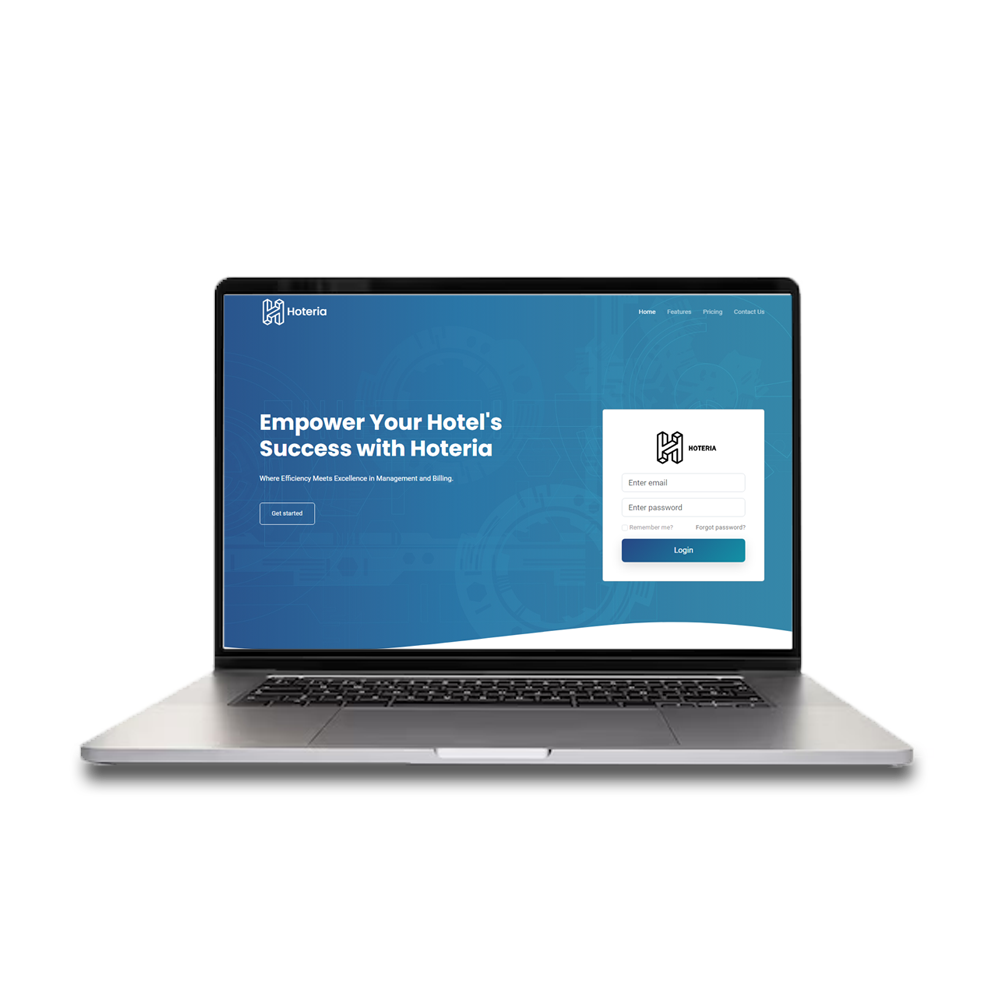
- After registration and plan selection, you'll receive login credentials for your account.
- Simply log in to your account using your username and password.
- You can now access and start using our hotel software to streamline your operations and enhance guest experiences.
Hoteria Features
Hoteria
Simple and Clean User Interface (UI)
Ensure a user-friendly, uncluttered design for easy navigation.
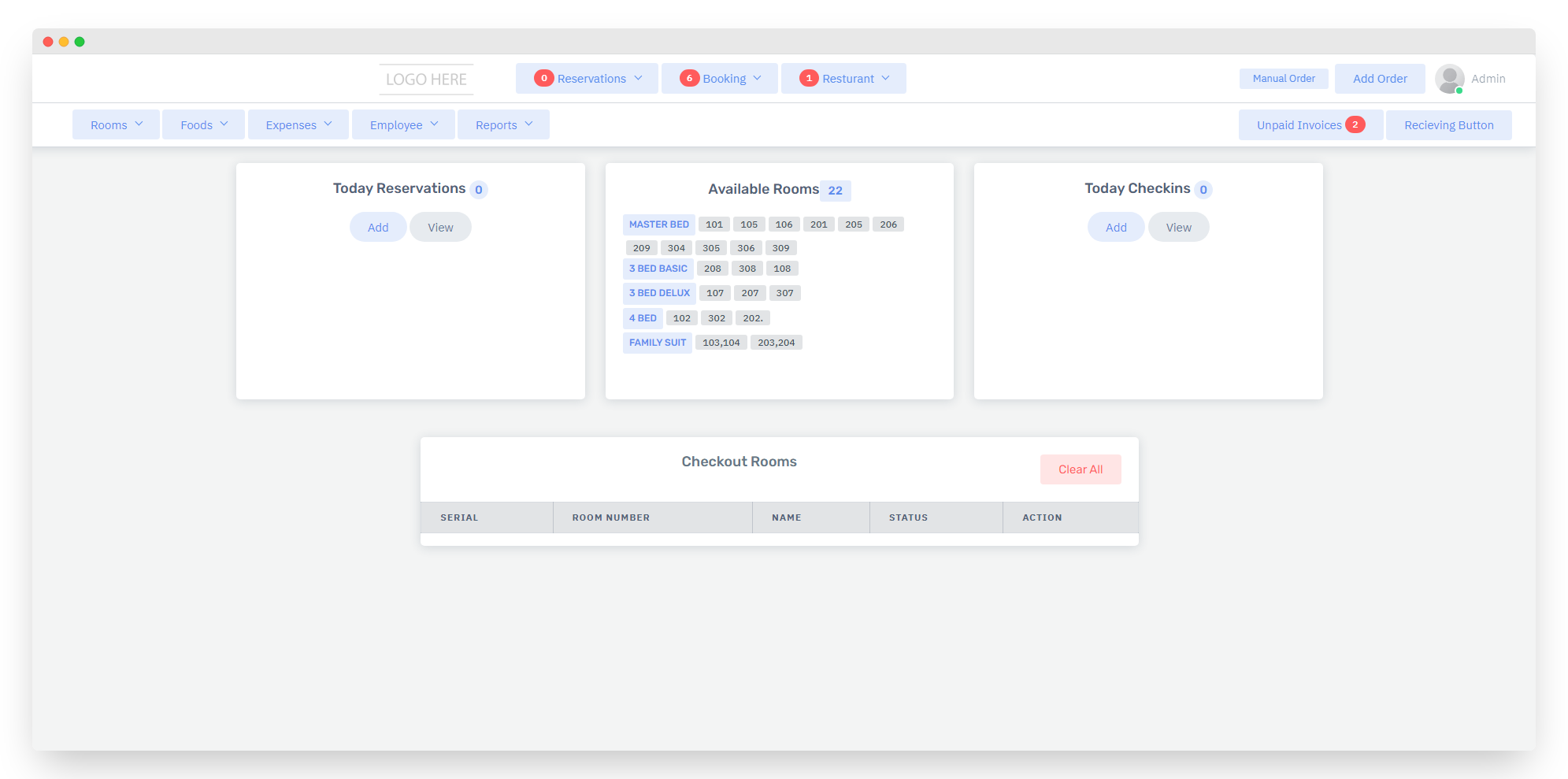
Simple Dashboard
Provide an intuitive and informative dashboard for hotel staff to monitor room occupancy, check-ins, check-outs, and daily operations
Booking System
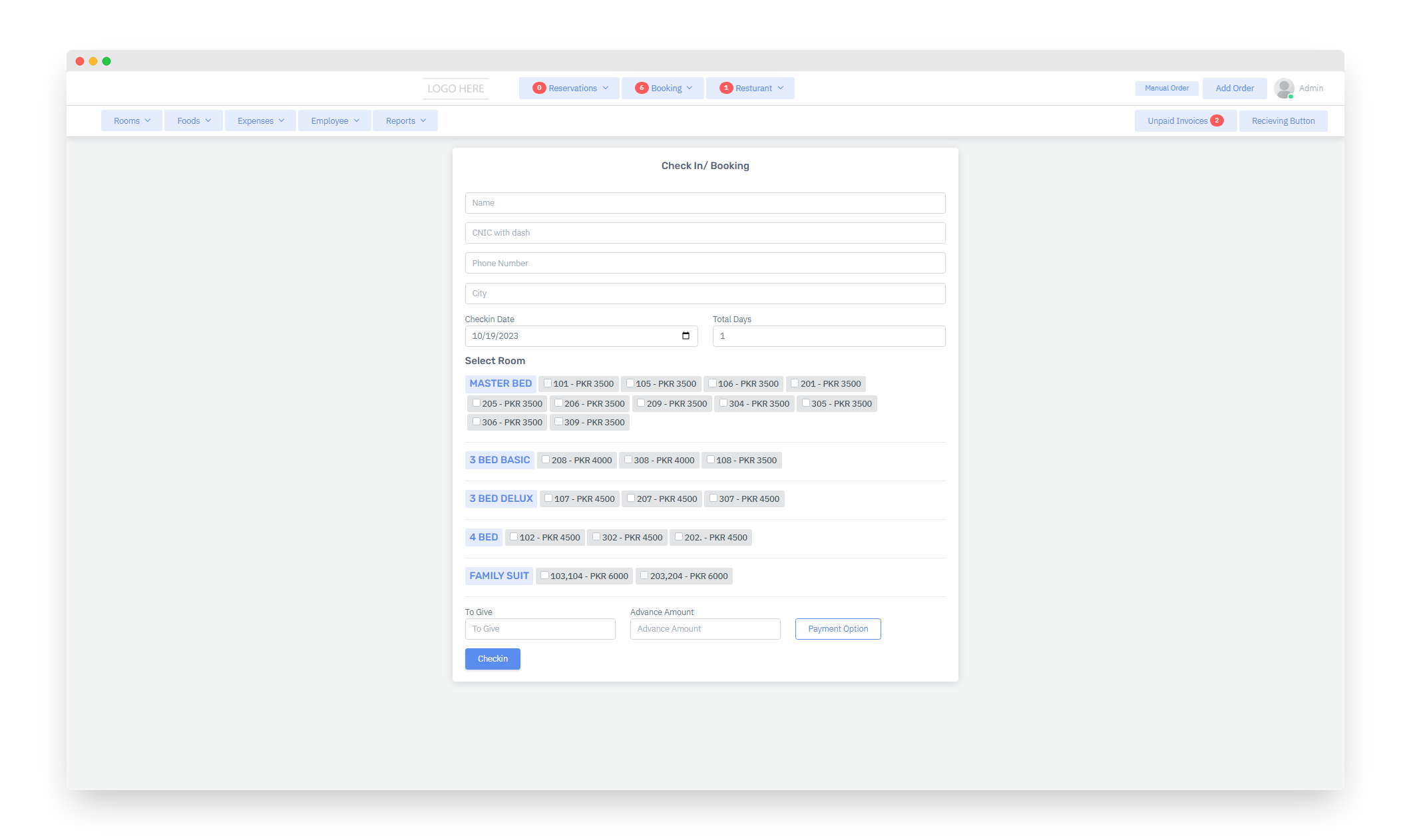
Provide the ability to book rooms, check availability, and make Booking with specific check-in and check-out dates.
Reservation System
Streamline reservation management, allowing for quick booking confirmations, modifications, and cancellations.
Check-in and Check-out
Simplify the guest check-in and check-out process, including express check-out options.
Order Placement
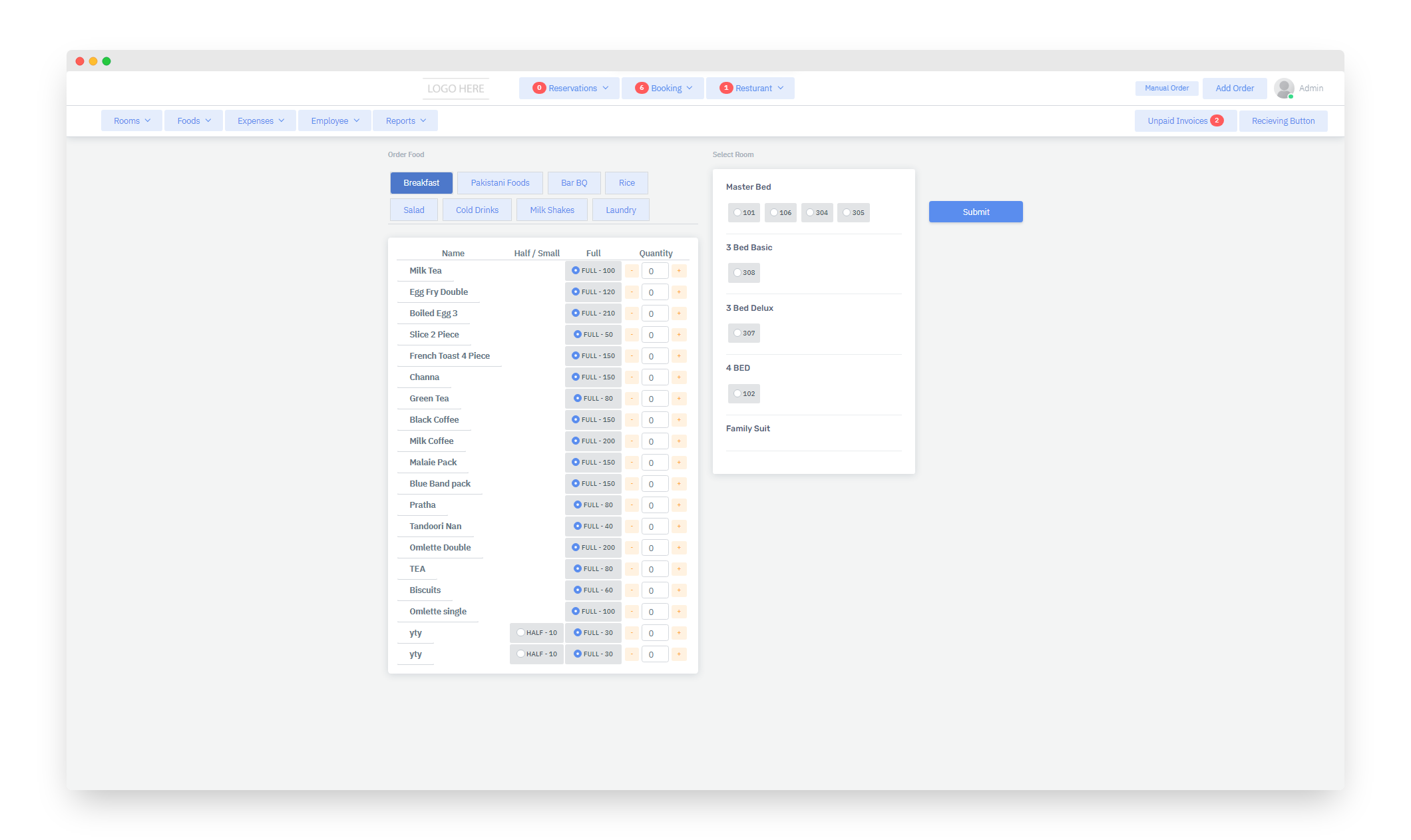
Allow staff to place food and beverage orders through the system. This can be done via a digital menu or by having waitstaff enter the orders.
Order Modification
Provide the flexibility to modify orders, add or remove items, and accommodate special requests or dietary preferences.
Real-time Order Status
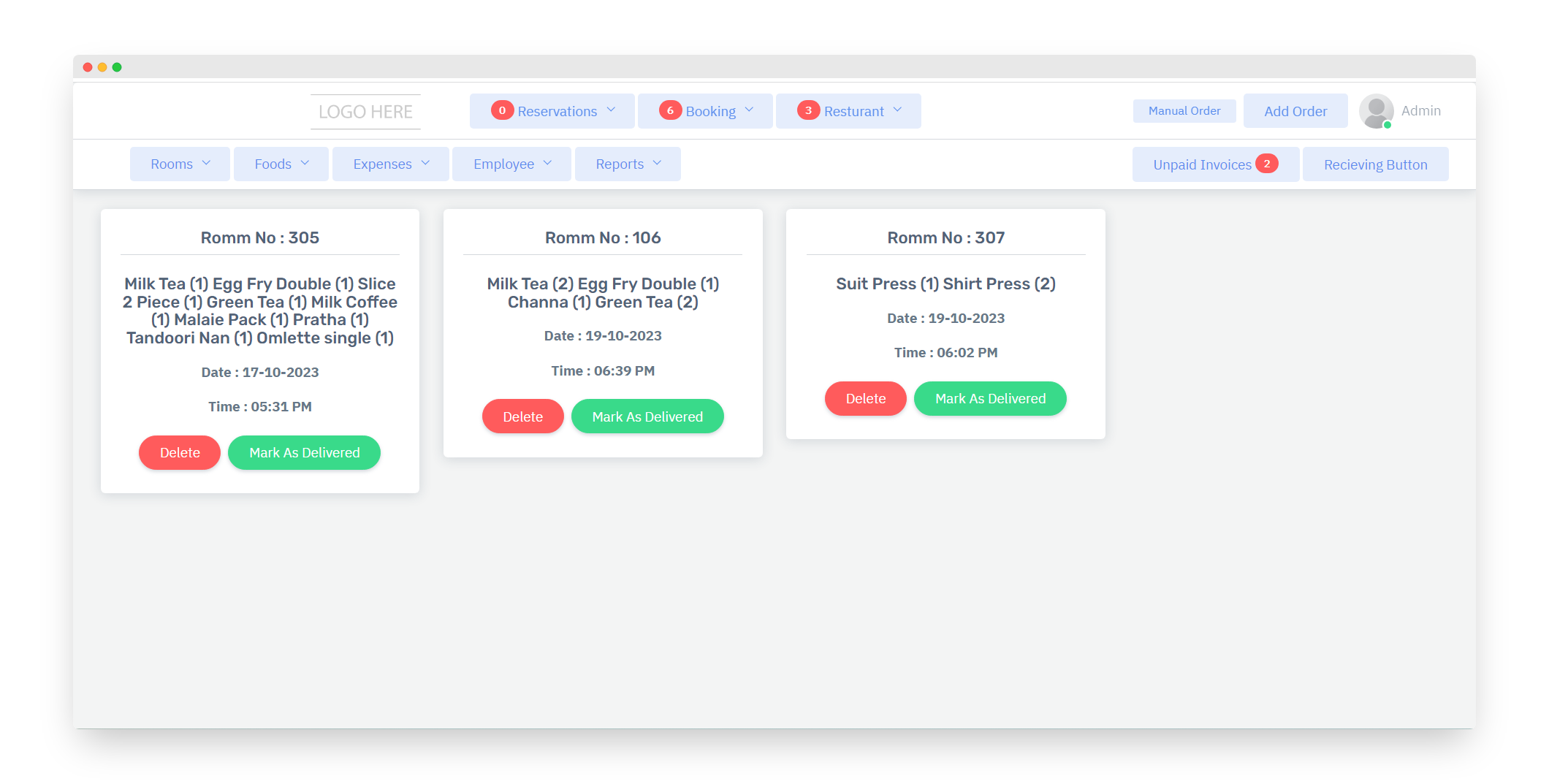
Display the real-time status of each order, such as "received," "live," "delivered," to keep staff informed.
Menu Management
Easily update the restaurant menu, including adding new items, changing prices, or marking items as unavailable when ingredients are out of stock.
Room Billing
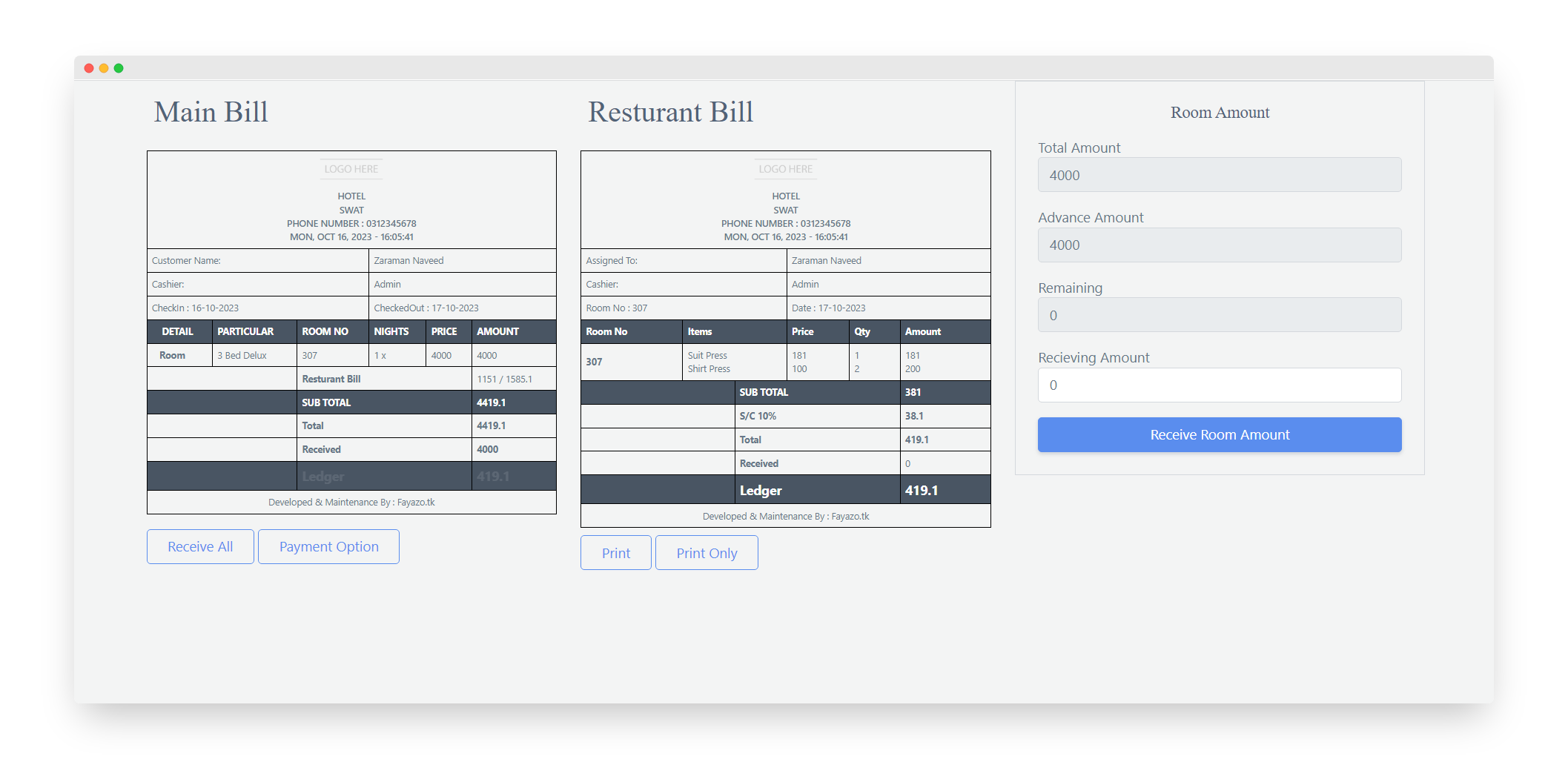
Automatically calculate and generate bills for room charges based on the guest's stay duration and room rate.
Include a breakdown of room charges, taxes, and any additional services used within the room.
Restaurant Billing
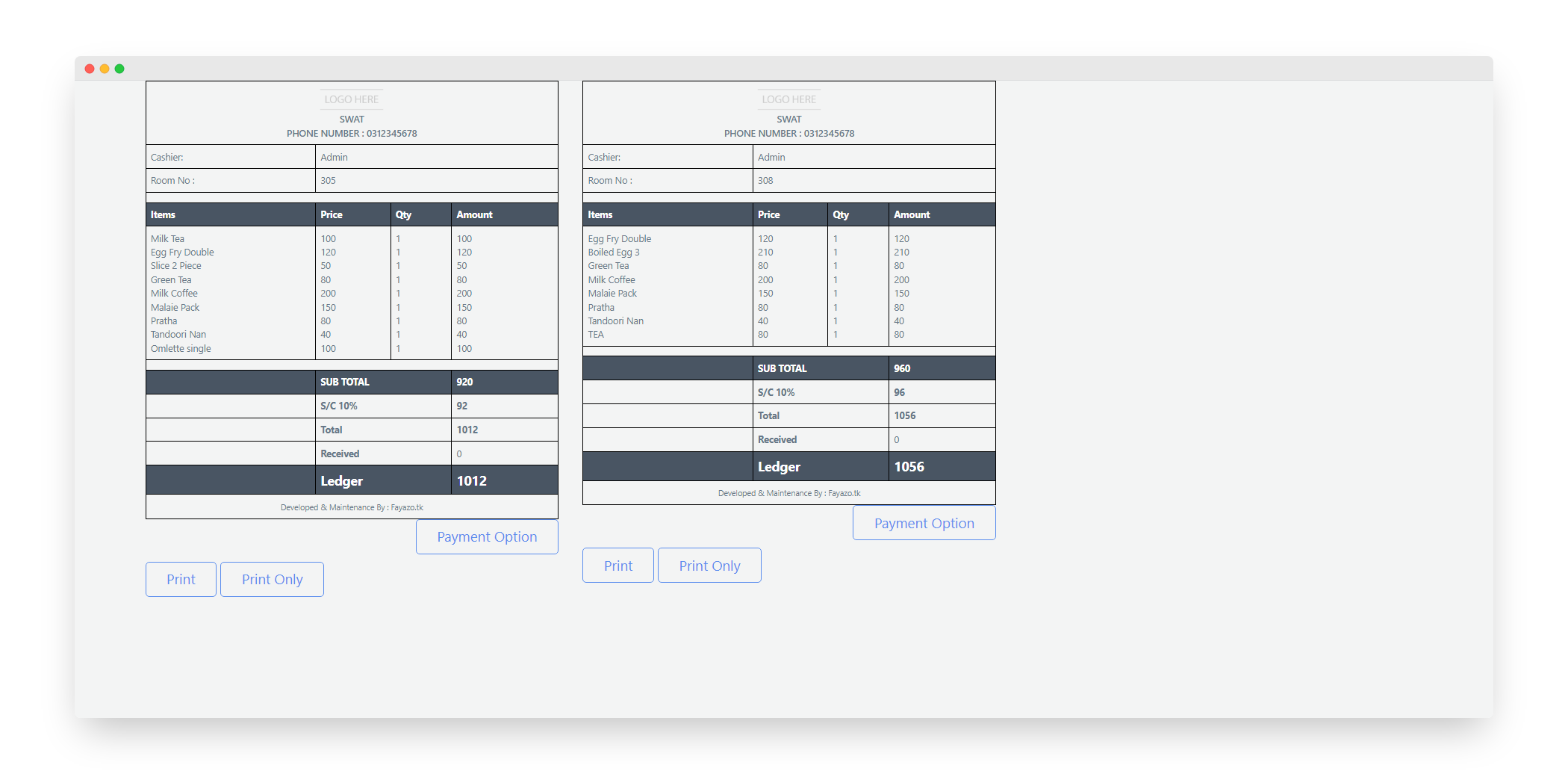
Calculate and generate separate bills for restaurant orders
Itemize the charges, including food and beverage items, taxes, and any service charges.
Combined Billing
Provide an option for guests to receive a single, combined bill that includes both room charges and restaurant orders.
Clearly display the individual amounts for each category.
Split Billing
Offer the ability to split bills among multiple guests or rooms if they are sharing expenses.
Ensure that each guest's charges are itemized and can be settled separately..